

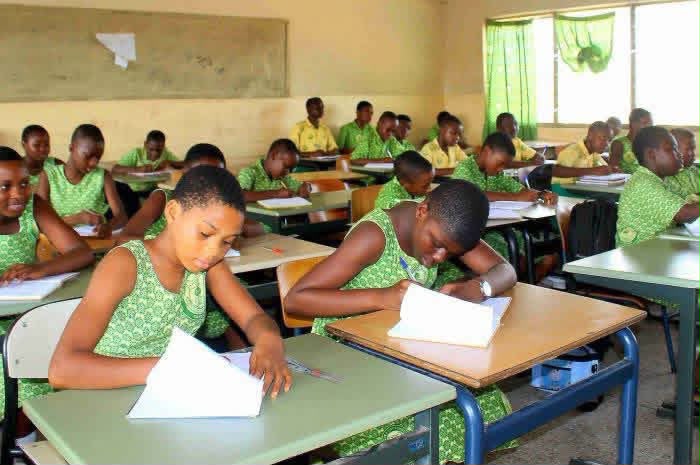
The West African Examinations Council (WAEC) has released provisional results for the 2026 Basic Education Certificate Examination (BECE), requiring candidates to check their scores using a PIN on the official website-https://eresults.waecgh.org/.
The PIN can be purchased through the official shortcode service by dialing the 7133998# or visiting https://buycheckercodes.com.gh.
After obtaining a serial and PIN, follow the official steps provided to assess your BECE results.
How to check BECE school results on a phone
- Go to the BECE result checking portal at https://eresults.waecgh.org/
- Enter your Index number
- Re-enter the Index number to confirm if it’s correct
- Select Exam type (Eg, BECE School or BECE Private)
- Choose the Exam year (2026)
- Enter your Serial number (Eg, 180000000001)
- Enter PIN (e.g., A1B2C3D4E5F9)
- Tick the Captcha and
- Click on the submit button and wait for a new window to display your 2024 BECE result.
- Your results will be displayed. You can print it by locating the nearest printing shop in your locality
- Keep the printed results for your records keeping ahead of the placement release.
The examination body has also cautioned candidates and the public to be wary of fraudsters who claim they can upgrade results for a fee.
The Council says candidates should rely only on official channels when checking their results
DISCLAIMER: The Views, Comments, Opinions, Contributions and Statements made by Readers and Contributors on this platform do not necessarily represent the views or policy of Multimedia Group Limited.
DISCLAIMER: The Views, Comments, Opinions, Contributions and Statements made by Readers and Contributors on this platform do not necessarily represent the views or policy of Multimedia Group Limited.
Source link